Video ToolAI video ad platform · Launches · Promotions · Client pitches
Turn product photos into video ads, fast.
Upload a product photo, describe what you want, and choose the quality, length and style. Some video options combine several clips. These are clearly marked in the quote and on the finished video.
See the price first; you are charged only after you confirm
- FastFinished quickly
- ProfessionalA platform built for video ads
- SafeDesktop app keeps projects and videos on your device
Loading…AI-generated product filmOn the left, what you upload. On the right, the ad it becomes.
The input photos and finished AI films behind these examples. The products are fictional concepts.
Product video ad examples
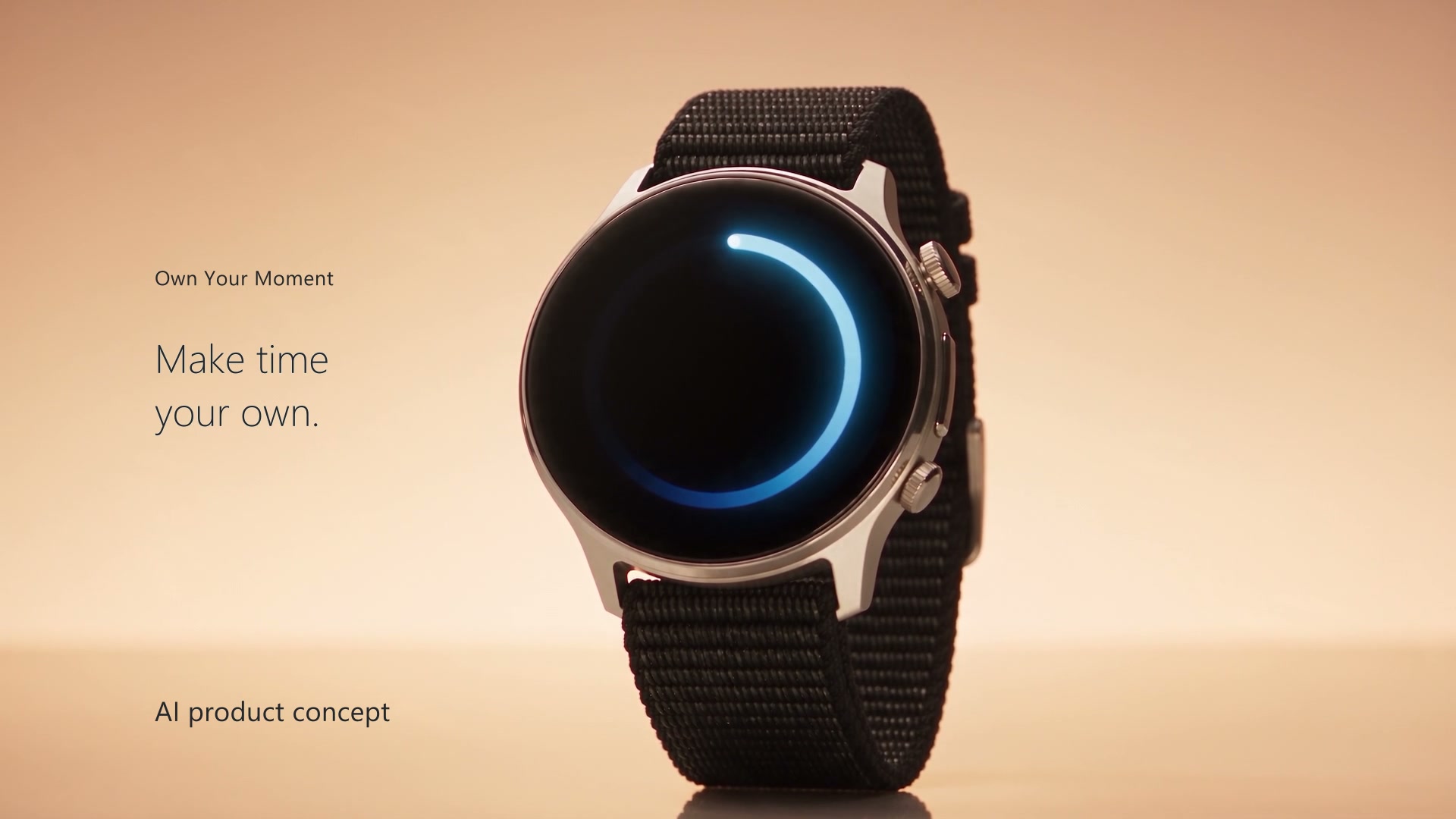
AI-created product concepts. Some examples include editing and audio adjustments. On-screen creators are AI-generated characters.


PerfumeClean studio · 30s
Made with SellPix AI · edited
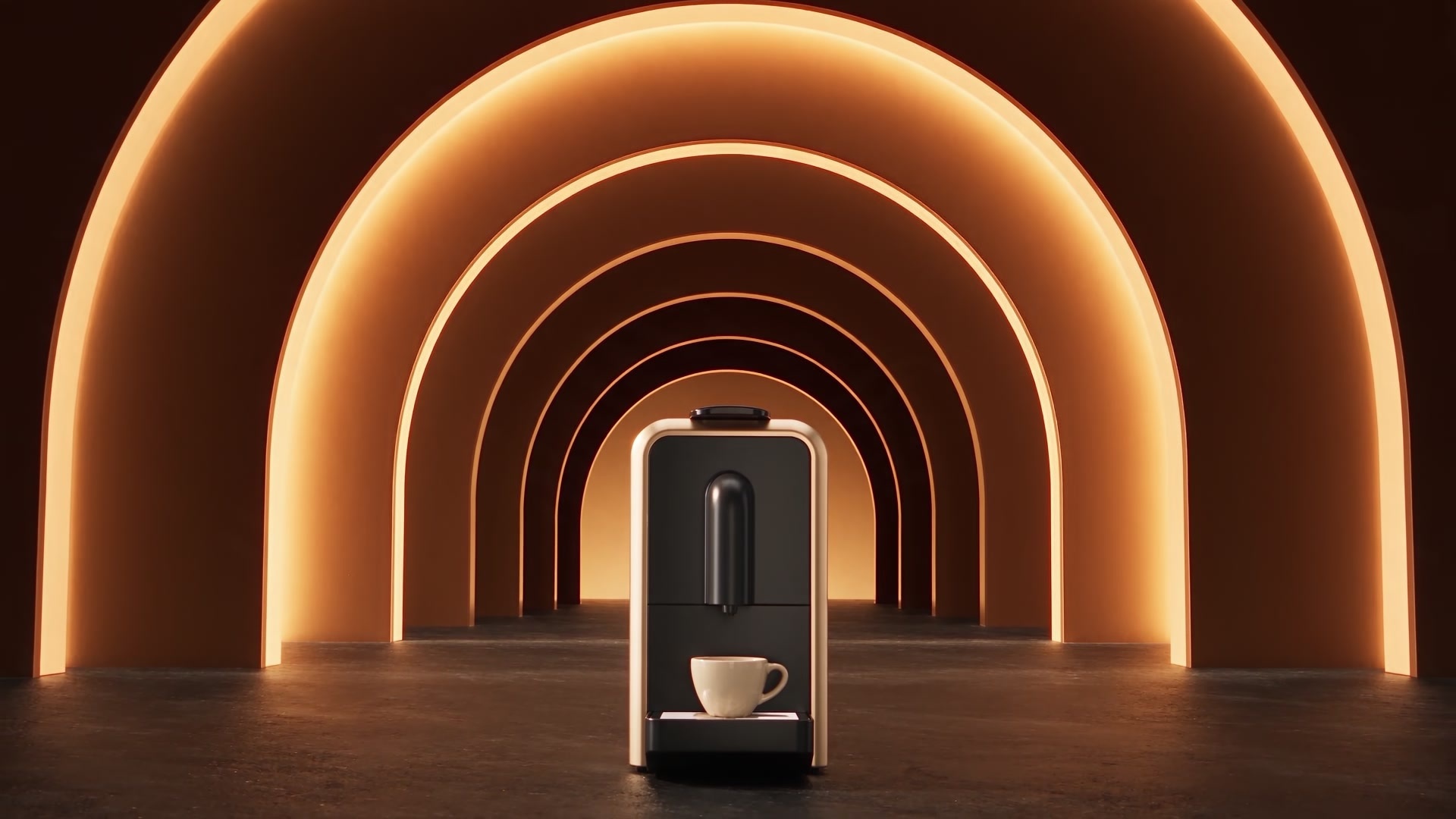
Coffee makerProduct launch · 30s
AI-generated fictional product concept
SuitcaseProduct launch · 30s
AI-generated fictional product concept
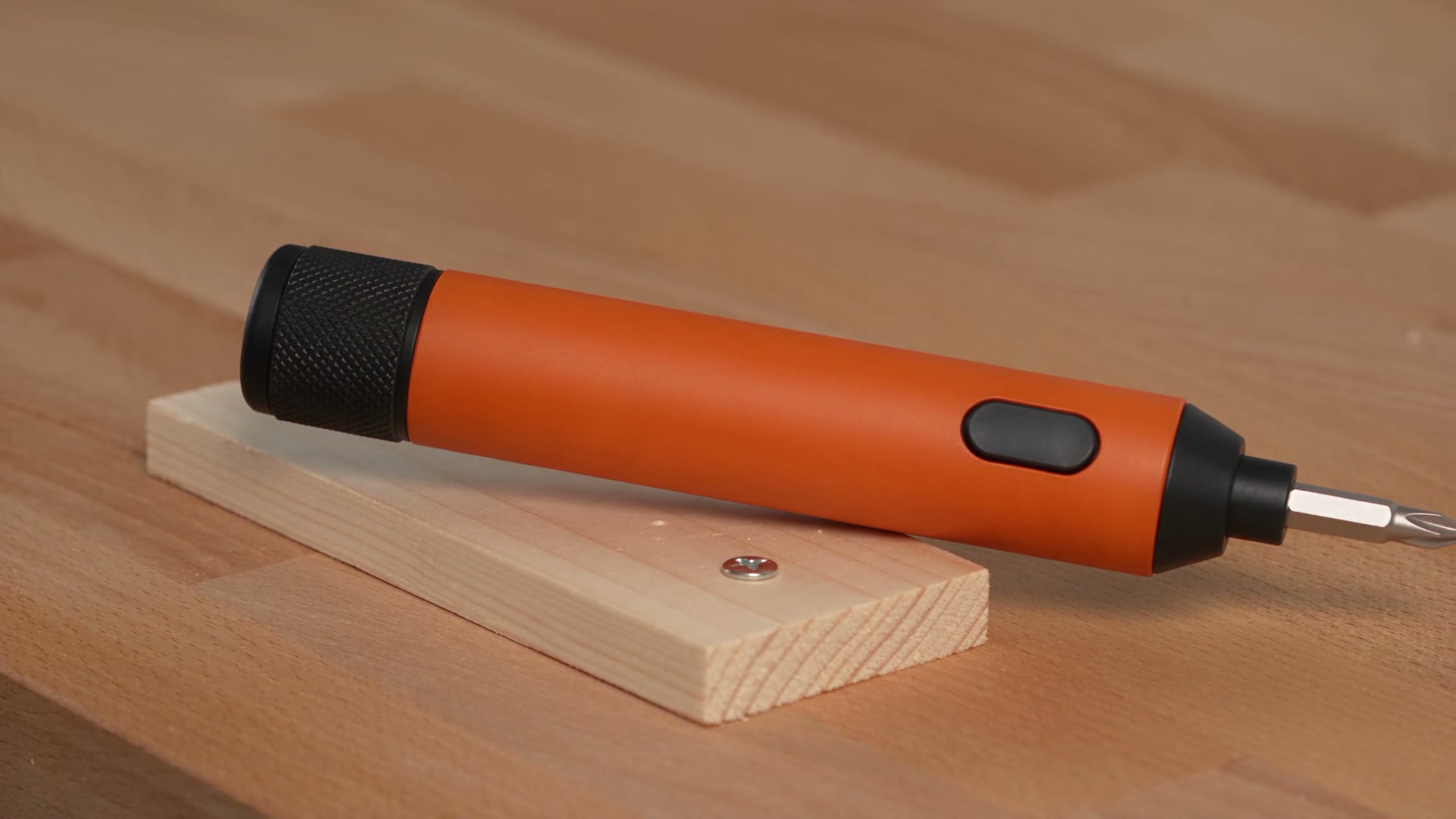
Electric screwdriverProduct demo · 30s
AI-generated fictional product concept · edited
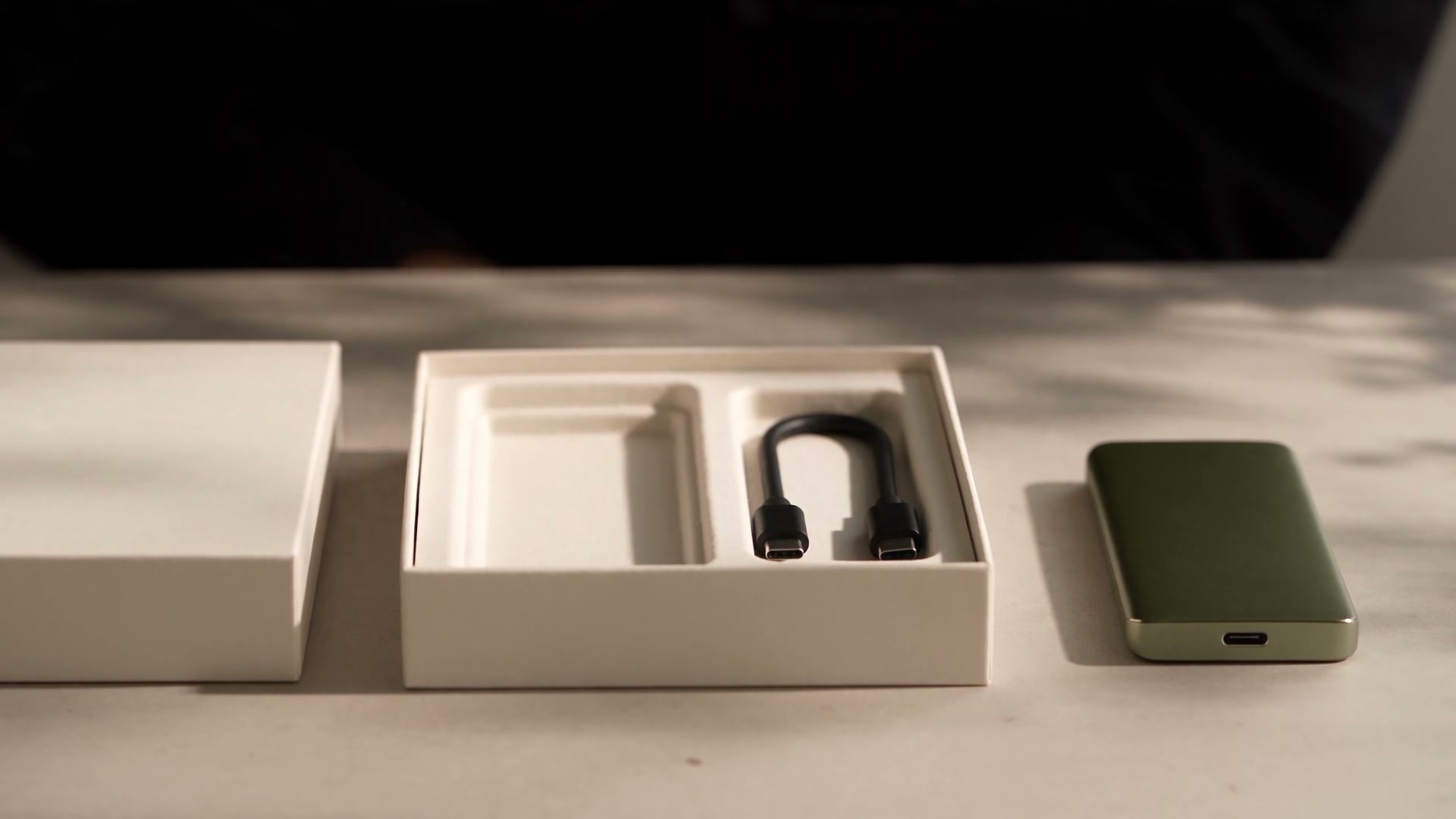
Portable SSDUnboxing · 30s
AI-generated fictional product concept · edited
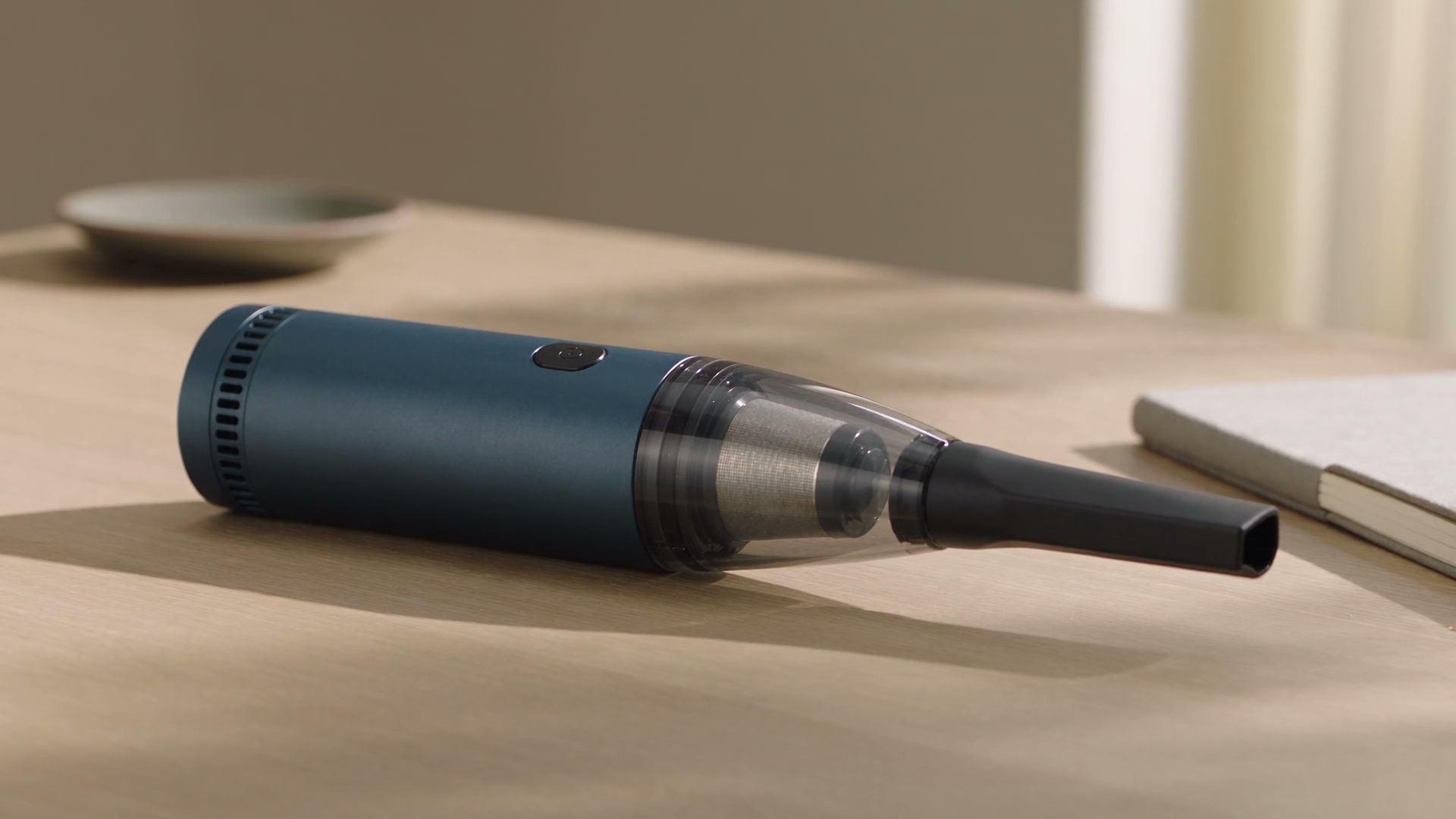
Handheld vacuumProblem → solution · 26s
AI-generated fictional product concept · edited
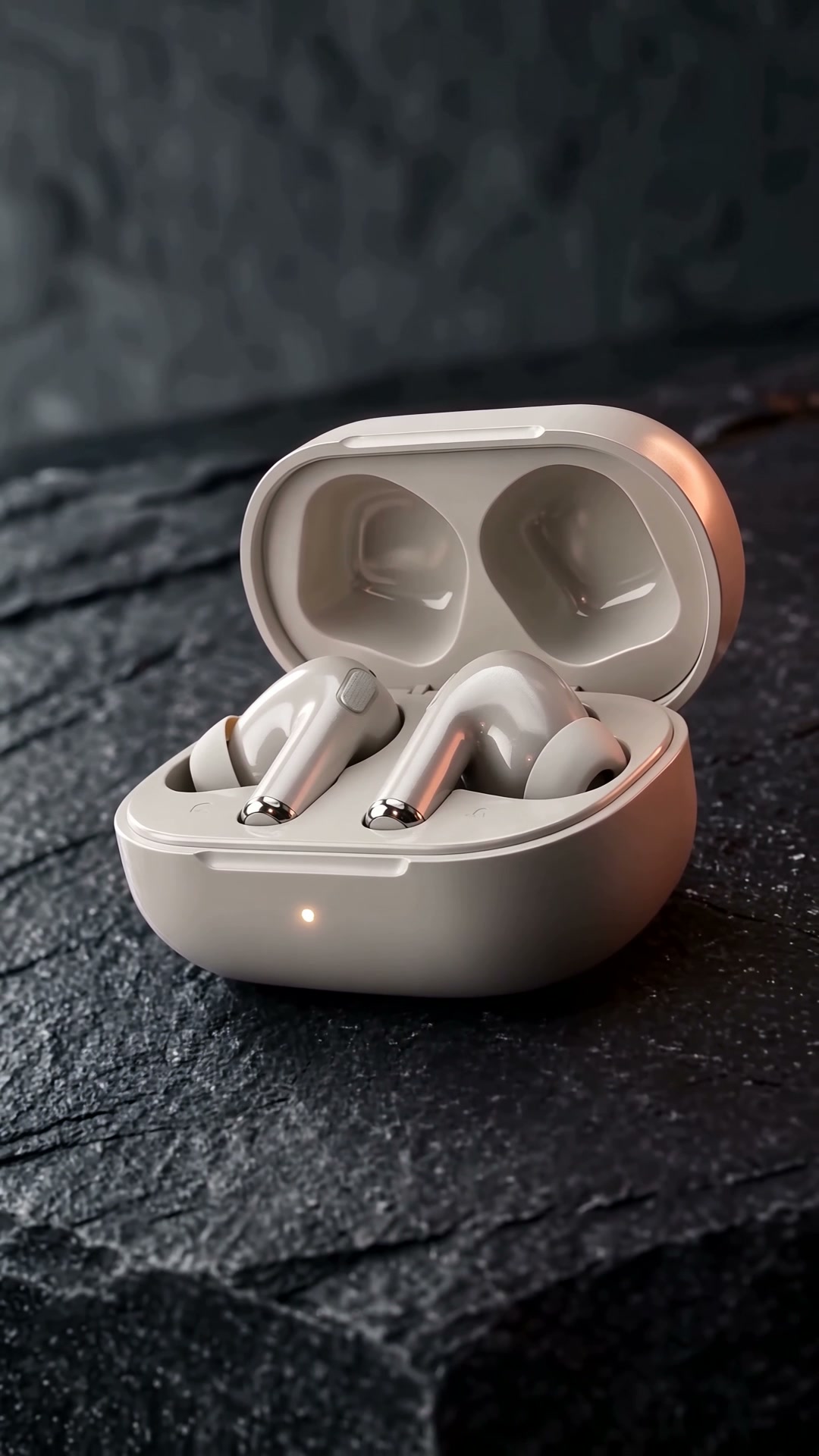
EarbudsClean studio · 15s
AI-generated fictional product concept
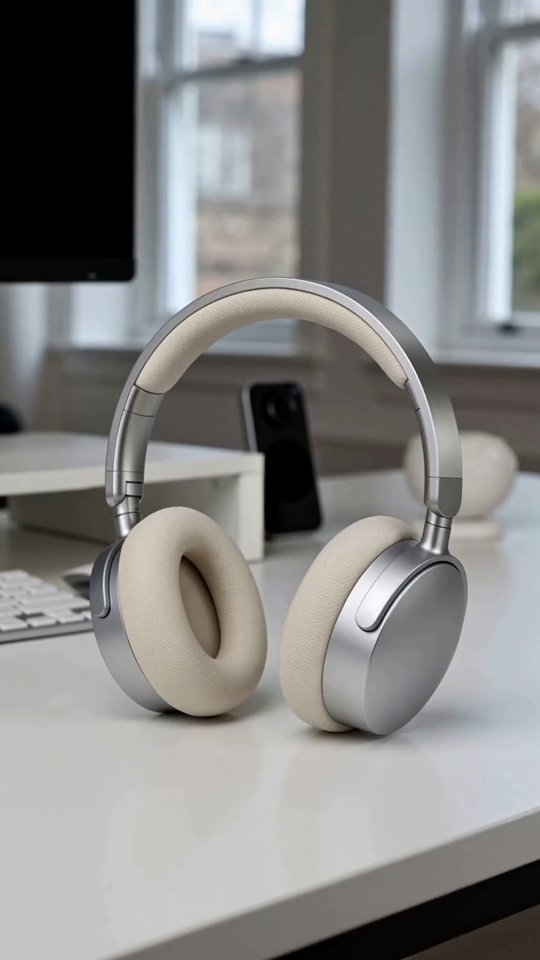
Over-ear headphonesEveryday use · 15s
Made with SellPix AI · edited
SerumDetails & texture · 15s
AI-generated fictional product concept
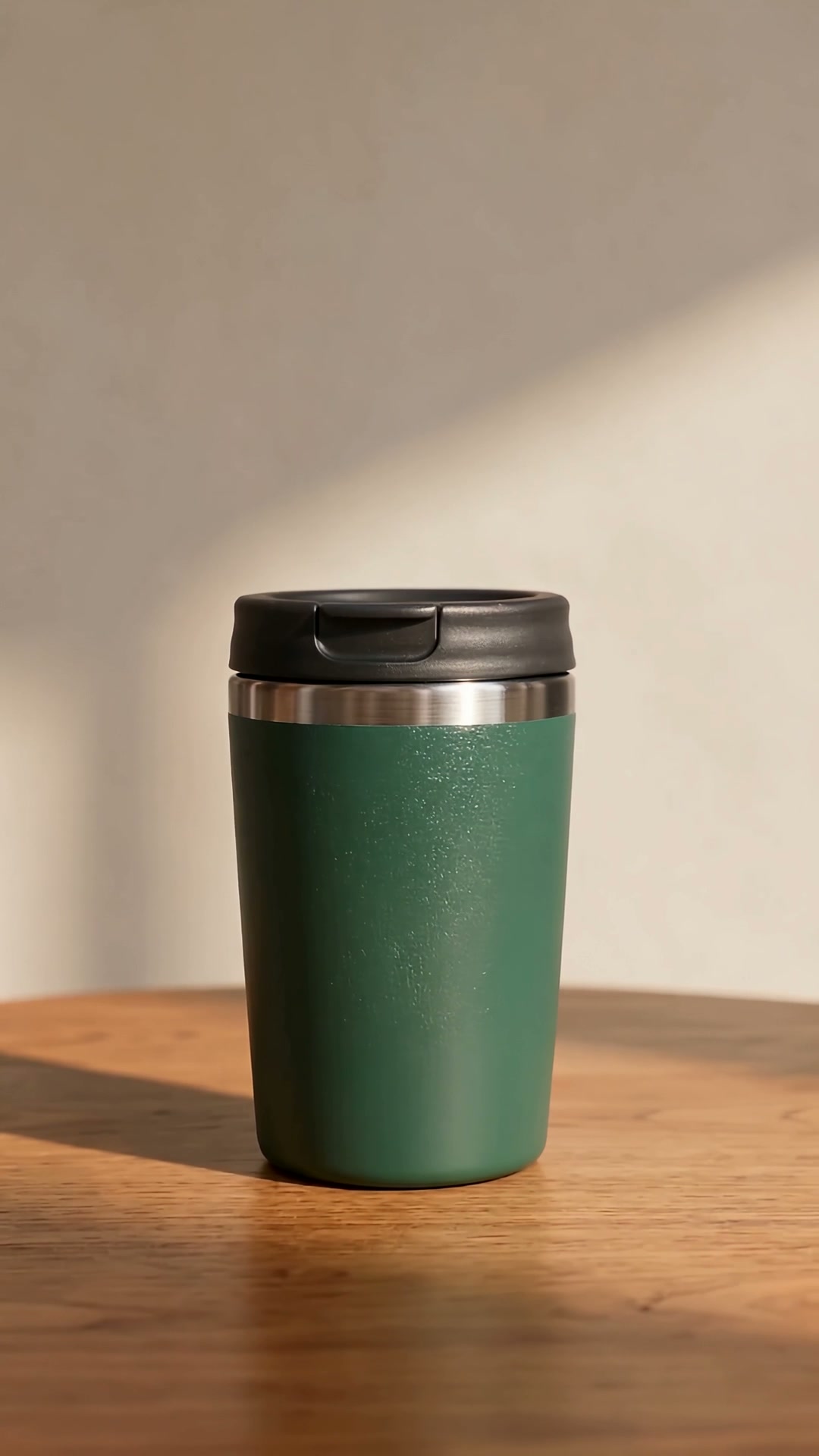
Travel tumblerEveryday use · 15s
AI-generated fictional product conceptFocused on video ads: fast, professional, safe
Fast generation, short workflow
- Videos are generated in one pass, or as clips made in parallel and composed into one video. Composed specs are marked in the price, and either way it finishes quickly.
- Upload a product photo, say what you want, choose a length and style, and you are ready to start.
- Generation runs in the background. Leave the page and find the video in My videos when it is ready.
- Not happy? Make another version. Add subtitles or change the cover right on the finished video.
Actual time depends on the model you choose and the queue.
A platform built for video ads
- One job, done here: turning a product into a video ad.
- 8 ad styles: Product demo, Creator-style, Clean studio, Everyday use, Unboxing, Problem → solution, Details & texture, Product launch.
- The Video Agent drafts the concept and storyboard (beats, transitions, selling-point callouts). Revise round by round, then generate.
- Burn subtitles into the video or download an SRT. Export with selling-point callouts. Vertical or landscape. Choose the target market and video language separately.
A desktop app that keeps projects on your device
- Desktop private projects are encrypted on your computer and not processed in the SellPix cloud. Launch materials and client assets can stay on your machine.
- When you generate, the model services you choose still receive the data needed to do it.
- See the price first and pay only after you confirm. Failed videos are refunded and listed in your statement. If the outcome is unknown, you are never charged twice automatically.
- Planning uses only the selling points and product details you provide. It does not invent certifications, discounts or performance.
One platform for launches, promotions and client pitches
Brands, agencies and sellers all start with the same thing: a product photo.
Choose a style
One product can be demonstrated, unboxed, built around a problem, or revealed as something new. Pick a style and start creating with it.
Go fast, or go detailed
Start generating directly with Video Tool. With Video Agent, review and refine the plan first, then generate.
Video Tool
Upload product photos, write one line, choose length, ratio and style, and generate.
Video Agent
See the concept and storyboard first, revise round by round, then generate.
Bring your own model accountsDownload app
Before you create
I already have a concept, or I write scripts with an AI chat. Do I still need this?
Writing and revising the plan is something your team or an AI chat does well, so keep using it. SellPix handles the second half: turning your product photos and plan into a complete video ad, and telling you the price before it generates.
Will the result be my product?
Your product photos are the basis for generation, and each photo can be tagged with a role (look, detail, inner structure, in use, packaging). AI video has some randomness; if a detail is off, make another version.
Will I be charged by surprise?
You see the price first and are charged only after you confirm, and each version is quoted separately. Failed generations are refunded and listed in your statement. If you use your own model account, that provider bills its usage separately, and any platform fee is shown in the quote.
Is my data safe?
With the desktop app you can keep projects and finished videos on your own computer: encrypted, not processed in the SellPix cloud, and using your own model accounts. The model services you choose still receive the data needed to generate. Cloud projects on the web are processed by SellPix and are available on all your devices.
What do I need to start?
A clear product photo and one sentence are enough, and you can sign in with your existing SellPix account. Only state selling points you can support, and review the visuals and text before you publish.
Upload a product photo and try one now.
See the price first; nothing is generated until you confirm. Download it if you like it, or make another version.
SellPix products
Start with your product images
Create product image sets, Amazon A+ content, and multilingual images in SellPix AI for your listings and video projects.
One account, with a shared credit balance for images and video.