'/%3e%3cpath%20d='M31%2038c0-8%206-14%2014-14h38c8%200%2014%206%2014%2014v52c0%208-6%2014-14%2014H45c-8%200-14-6-14-14V38z'%20fill='url(%23tmPanel)'%20filter='url(%23tmShadow)'/%3e%3cpath%20d='M44%2044h40'%20fill='none'%20stroke='%23f97316'%20stroke-width='8'%20stroke-linecap='round'/%3e%3cpath%20d='M44%2061h24'%20fill='none'%20stroke='%23fdba74'%20stroke-width='8'%20stroke-linecap='round'/%3e%3cpath%20d='M43%2087l13-14%2011%2010%2017-21%202%2025H43z'%20fill='%23fb923c'/%3e%3ccircle%20cx='84'%20cy='58'%20r='6'%20fill='%23f97316'/%3e%3cpath%20d='M77%2091l16-18%2014%2014'%20fill='none'%20stroke='%2316a34a'%20stroke-width='7'%20stroke-linecap='round'%20stroke-linejoin='round'/%3e%3cpath%20d='M99%2074h-6v-6'%20fill='none'%20stroke='%2316a34a'%20stroke-width='7'%20stroke-linecap='round'%20stroke-linejoin='round'/%3e%3cpath%20d='M30%2034c8-10%2020-15%2034-15s26%205%2034%2015'%20fill='none'%20stroke='%23fff7ed'%20stroke-width='5'%20stroke-linecap='round'%20opacity='.92'/%3e%3cpath%20d='M27%2096c9%208%2021%2012%2037%2012s28-4%2037-12'%20fill='none'%20stroke='%23fff7ed'%20stroke-width='5'%20stroke-linecap='round'%20opacity='.72'/%3e%3c/svg%3e)
SellPix Video Ads
Turn a product photo into a video ad
Start with the product you already sell. Use clear product photos to guide a short video, then review the product details before you download.
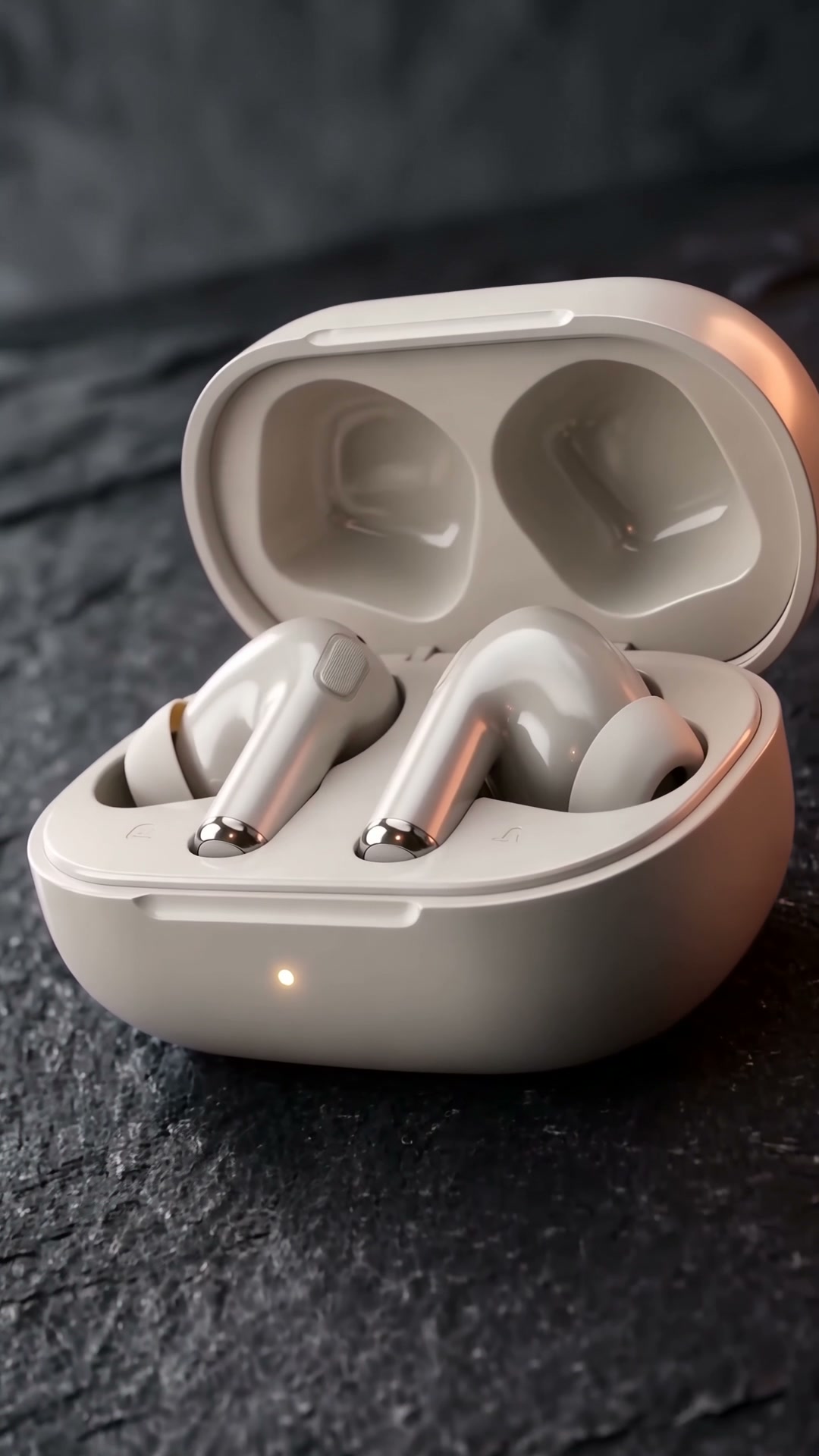
From your brief to a finished video
- 01
Choose clear product photos
Use a sharp main view plus useful detail or packaging shots. Label what each image shows so the product has a clear visual reference.
- 02
Describe one useful scene
Choose a studio, close-up or everyday setting. State the selling point, audience, language and desired aspect ratio.
- 03
Review the quote and the result
Check the selected model, duration and price before confirming. Watch the full result and verify the shape, logo, text and motion.
Prepare before you generate
- A clear product photo with no distracting overlay
- Only product claims you can substantiate
- A destination format such as vertical or landscape
- Time to review the generated video before publication
Before you start
Will the video preserve every product detail?
Your images guide generation, but AI can change small details. Review the product, packaging and any text; revise or regenerate when necessary.
Does uploading a photo start a paid generation?
No. The workflow shows a quote before you confirm generation. Each new version has its own quote.